
Features / Form & Input Styling
Fine-Tune Every Element of the Login Form
Customize labels, input fields, buttons, checkboxes, error messages, and links with granular visual controls — including hover and focus states.
- Separate controls for normal, hover, and focus states
- Per-language text for labels, placeholders, and buttons
- Independent styling for error, notice, and success messages
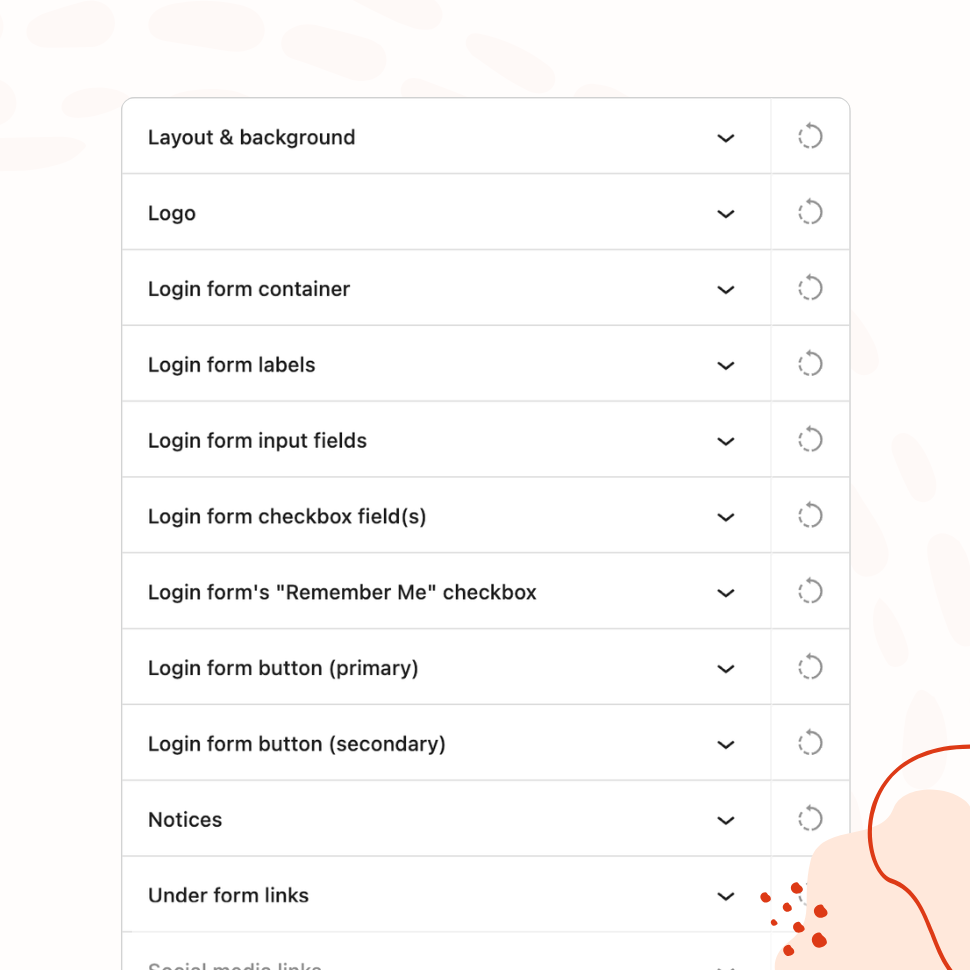
Label Styling
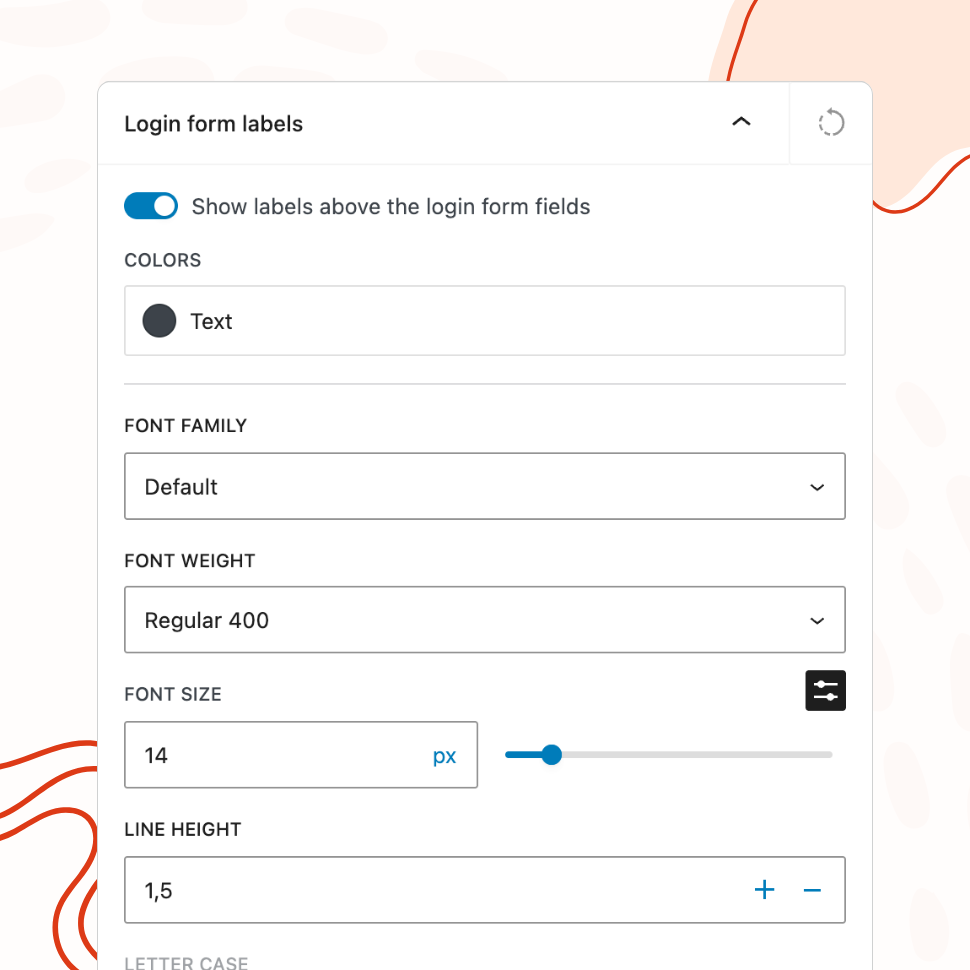
Customize Form Labels to Fit Your Design
Adjust font size, weight, letter case, spacing, and text color. Show or hide labels entirely.
Input Field Styling
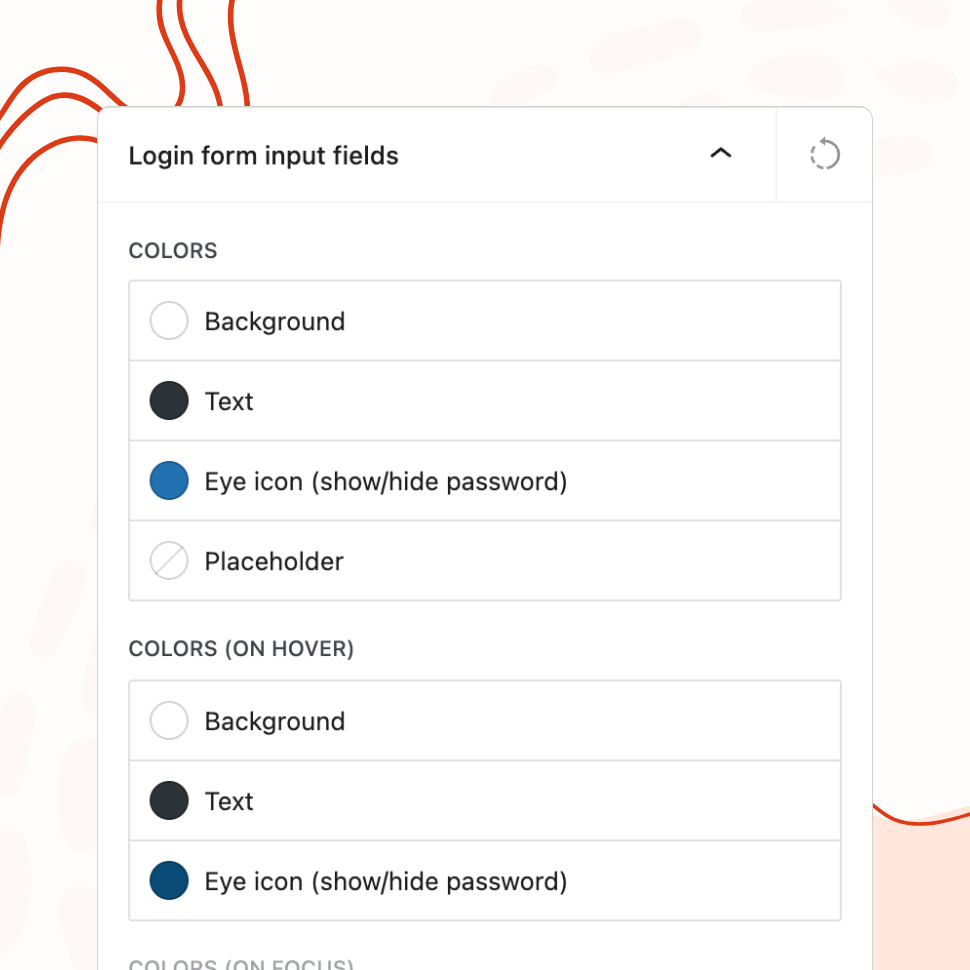
Design Input Fields with Normal, Hover, and Focus States
Set background colors, borders, padding, font, shadow, and placeholder text — with separate controls for each interactive state.
Button Styling
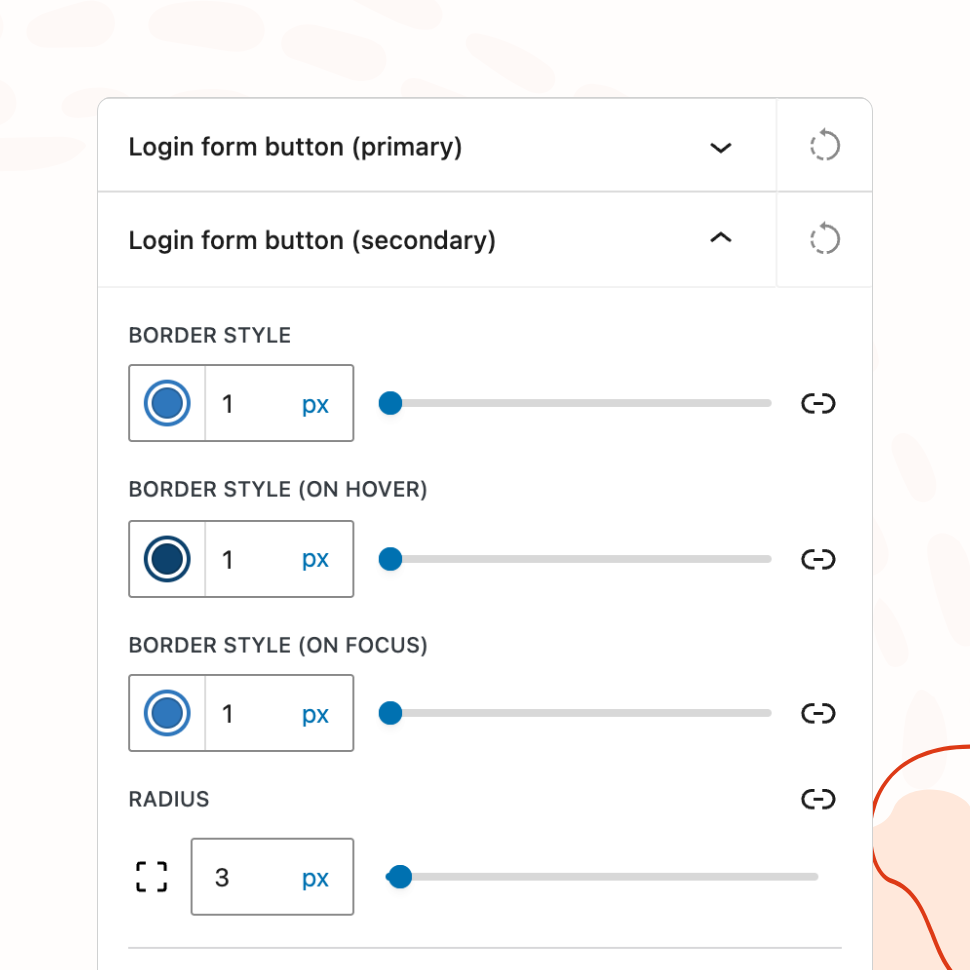
Customize Primary and Secondary Buttons
Control colors, font, size, width, alignment, shadow, and per-language button labels for both primary and secondary buttons.
Notice & Error Styling
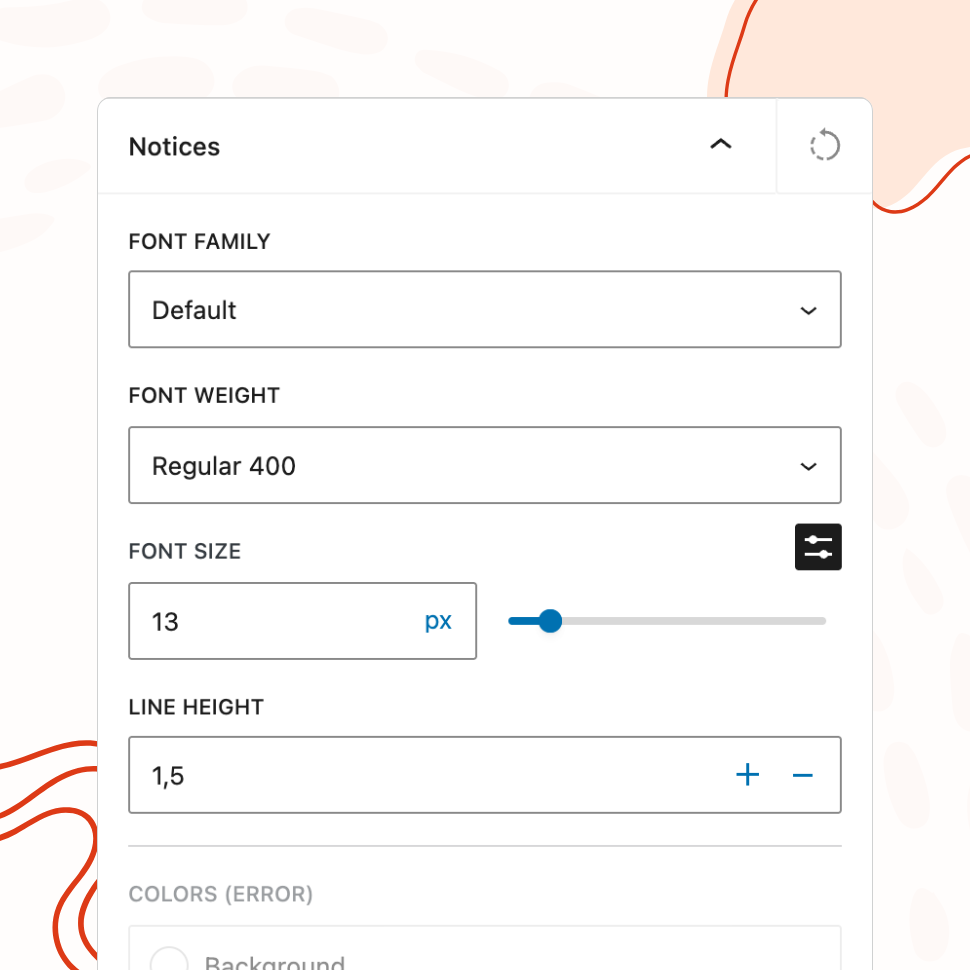
Style Error, Notice, and Success Messages
Set colors for all message types and add a custom persistent notice with per-language text support.
Checkbox & Remember Me
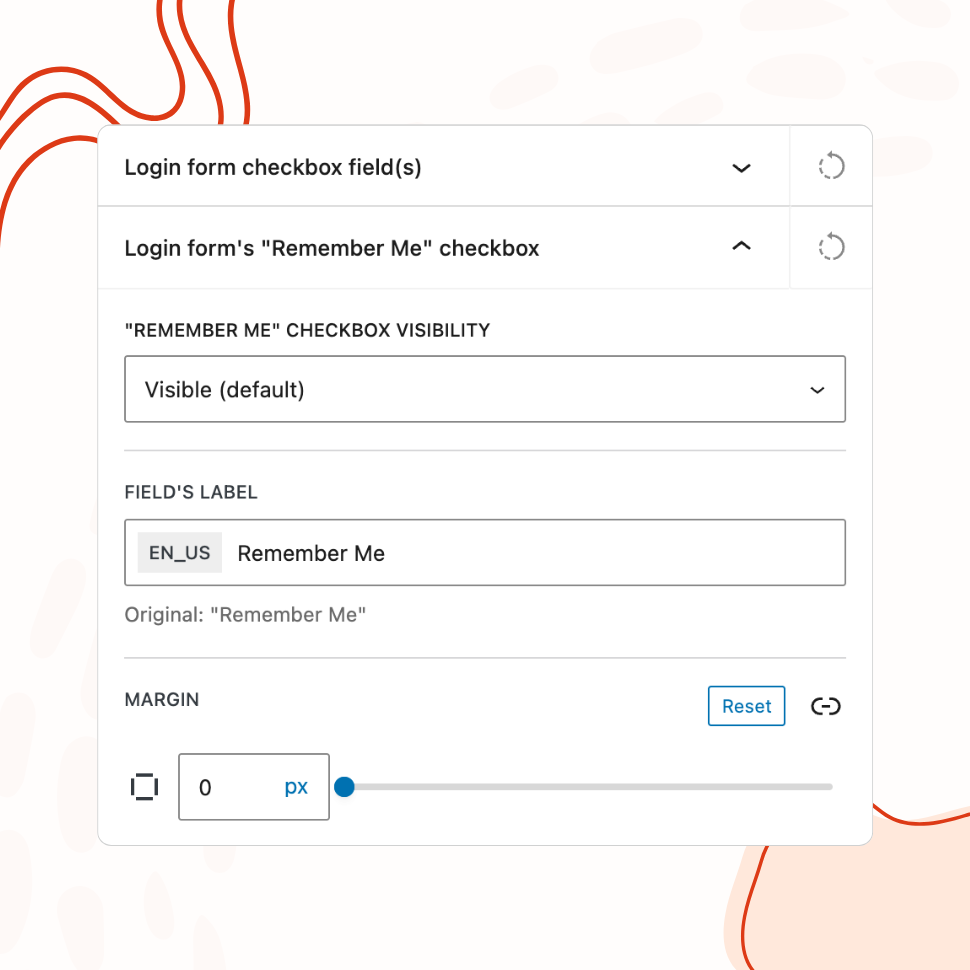
Customize Checkboxes and the “Remember Me” Option
Apply custom colors to checkboxes and the checkmark icon. Show or hide “Remember Me” and set custom labels per language.
Multilingual Text
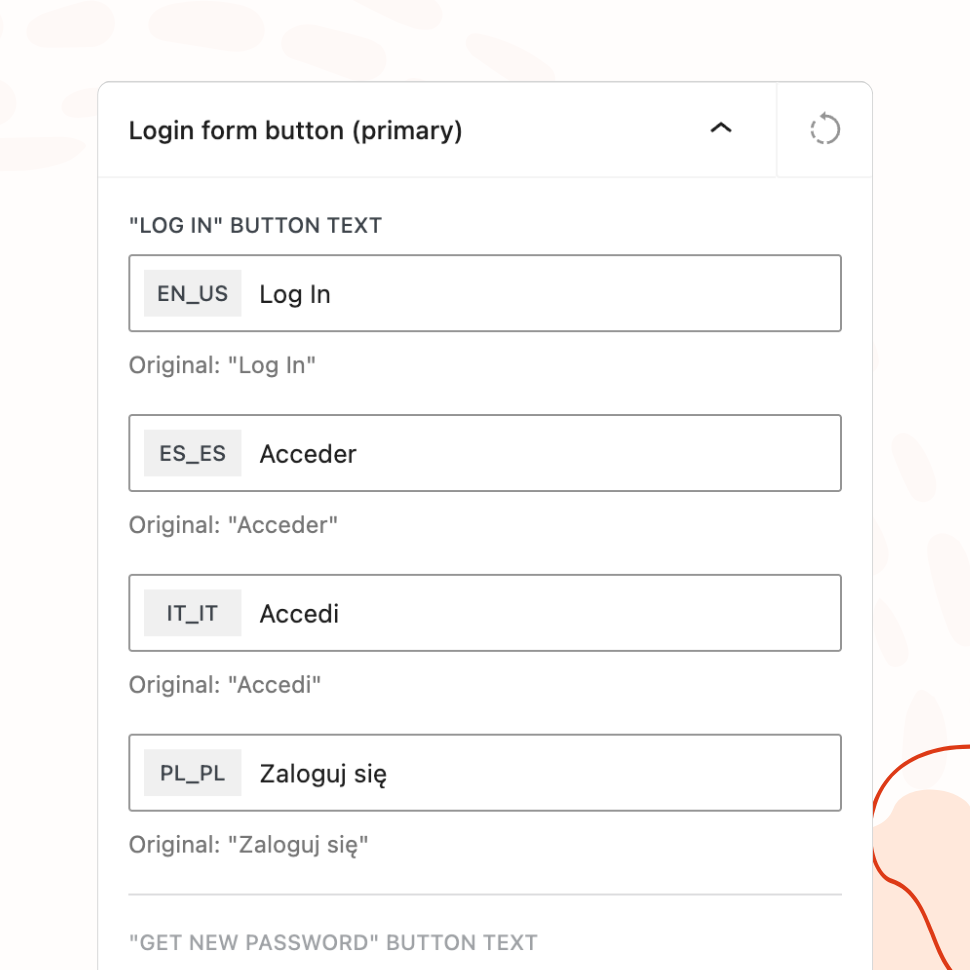
Per-Language Text Customization for Multilingual Sites
Customize labels, placeholders, button text, and notices for each language your site supports.
Why Granular Form Styling Matters
Most login page customization plugins let you change the background and swap the logo. Few give you meaningful control over the form itself — the part users actually interact with. The result is a login page where the background looks custom but the form still looks like default WordPress.
WP Custom Login treats the form as a first-class design surface. Every element that a user sees and interacts with — labels, input fields, buttons, checkboxes, error messages, links — has its own set of visual controls. This means the entire login page can be designed as a single cohesive unit, not a custom wrapper around a generic form.
This level of control matters because the form is where attention lands. Users glance at the background; they stare at the form. If the background says “premium brand” but the form says “default WordPress,” the mismatch is immediately felt — even by users who couldn’t articulate why something looks off.
Pixel-Perfect Control Without CSS
The traditional way to style a WordPress login form is to write custom CSS, inspect element class names, and override WordPress core styles with increasingly specific selectors. It works, but it’s slow, fragile, and inaccessible to anyone who doesn’t write CSS comfortably.
WP Custom Login replaces that workflow with visual controls for every property that matters. Input field background color, border width, border radius, padding, font family, font size, box shadow, placeholder text — all configurable from the settings page. The same goes for labels, buttons, checkboxes, and notice messages. You get the precision of hand-written CSS through a visual interface that shows results immediately in the live preview.
A custom CSS editor is still available for edge cases that go beyond the visual controls. But for the vast majority of login page designs, you’ll never need to open it.
Consistent User Experience Across Devices
A login form that looks polished in its resting state but feels generic when a user clicks into it is only half-designed. Interactive states — what happens when a user hovers over a button, focuses on an input field, or tabs through the form — are what separate a thoughtful design from a surface-level one.
WP Custom Login provides separate style controls for normal, hover, and focus states on both input fields and buttons. You can set a subtle border color change when an input receives focus, a background shift when a user hovers over the submit button, and distinct styling for the active state. These details are small individually, but together they create a form that feels responsive and intentional.
Per-language text customization extends this consistency to multilingual sites. Labels, placeholder text, button text, and custom notices can all be configured for each language your site supports, so the form reads naturally regardless of which language a visitor uses.
Interactive States That Feel Polished
Default WordPress login form buttons have a single visual state with a basic hover effect. Default input fields change only their outline on focus. There’s nothing wrong with these defaults, but they communicate “generic platform” rather than “designed product.”
With separate controls for each state, you can create interactions that feel deliberate. A submit button that shifts from a solid brand color to a slightly darker shade on hover, then gains a subtle inset shadow on click. An input field with a thin neutral border that transitions to your brand color on focus. A checkbox that uses your brand’s accent color instead of the browser default.
These aren’t dramatic effects — they shouldn’t be. The best interactive states are ones users don’t consciously notice but would miss if they were absent. They contribute to an overall sense that every pixel on the page was considered, which reinforces the same professionalism that the logo, background, and layout are already communicating.
Features
Explore These Powerful Features Next
Discover the features offered by the WP Custom Login plugin for WordPress.
Pre-Designed Templates
Choose from 20+ ready-made login page designs and apply them with one click. Use any template as a starting point, then customize freely.
Custom Logo & Branding
Replace the WordPress logo with your own image or site icon. Add a branded footer and social media links to create a fully personalized login page.
Form & Input Styling
Customize labels, input fields, buttons, checkboxes, and error messages with granular controls — including separate styles for normal, hover, and focus states.
Advanced Backgrounds & Layouts
Use split-screen layouts, image and video sliders, animated gradients, and CSS filters to create a premium login page that goes beyond a simple background color.
Post-Login Redirects
Define redirect rules based on user roles or individual users, so administrators, editors, and subscribers each land on the most relevant page after login.
Custom Login URL
Replace wp-login.php with a custom login path. Block or redirect direct access to the default URL, with built-in validation to prevent lockouts.
Easy Setup with Live Preview
Configure every aspect of your login page from a visual settings panel with an instant live preview. No CSS knowledge or page refreshing required.