
Features / Easy Setup with Live Preview
See Your Changes in Real Time Before Going Live
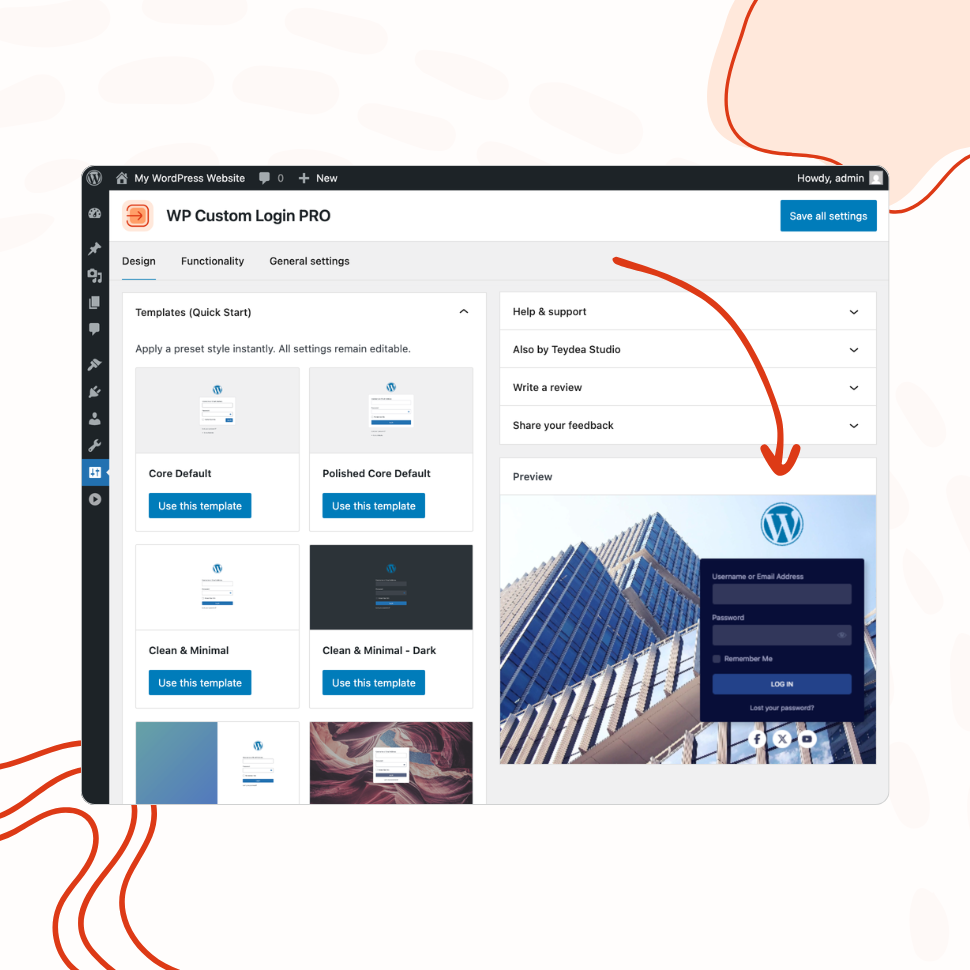
Configure every aspect of your login page from a visual settings panel with an instant live preview — no guesswork, no page refreshing.
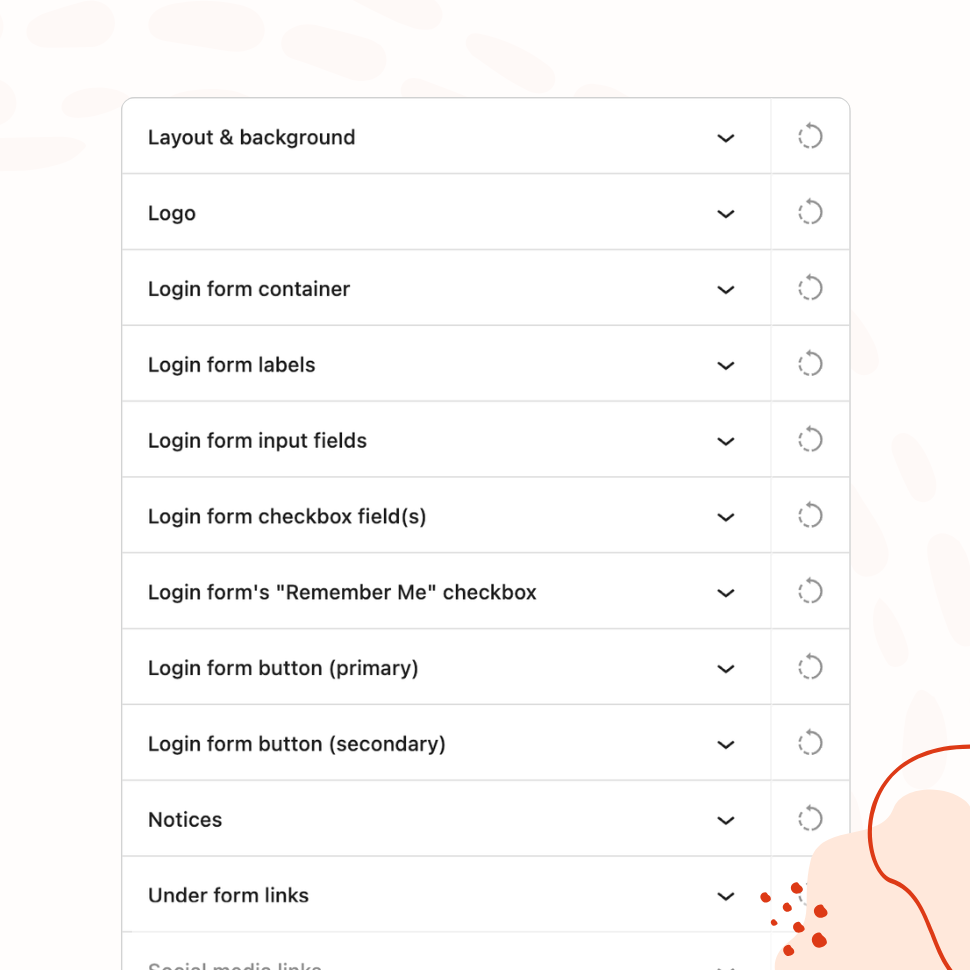
- Organized panels for every element: logo, form, buttons, links, footer
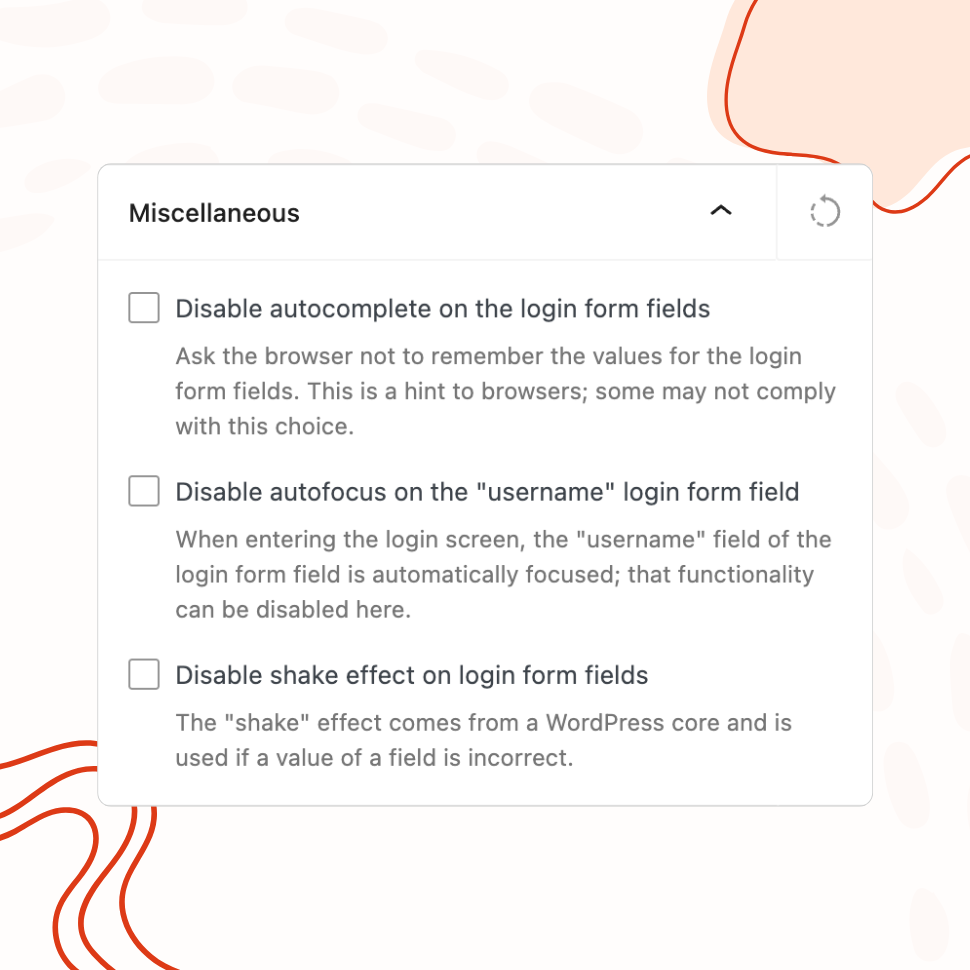
- Disable autofocus, error shake, and browser autocomplete
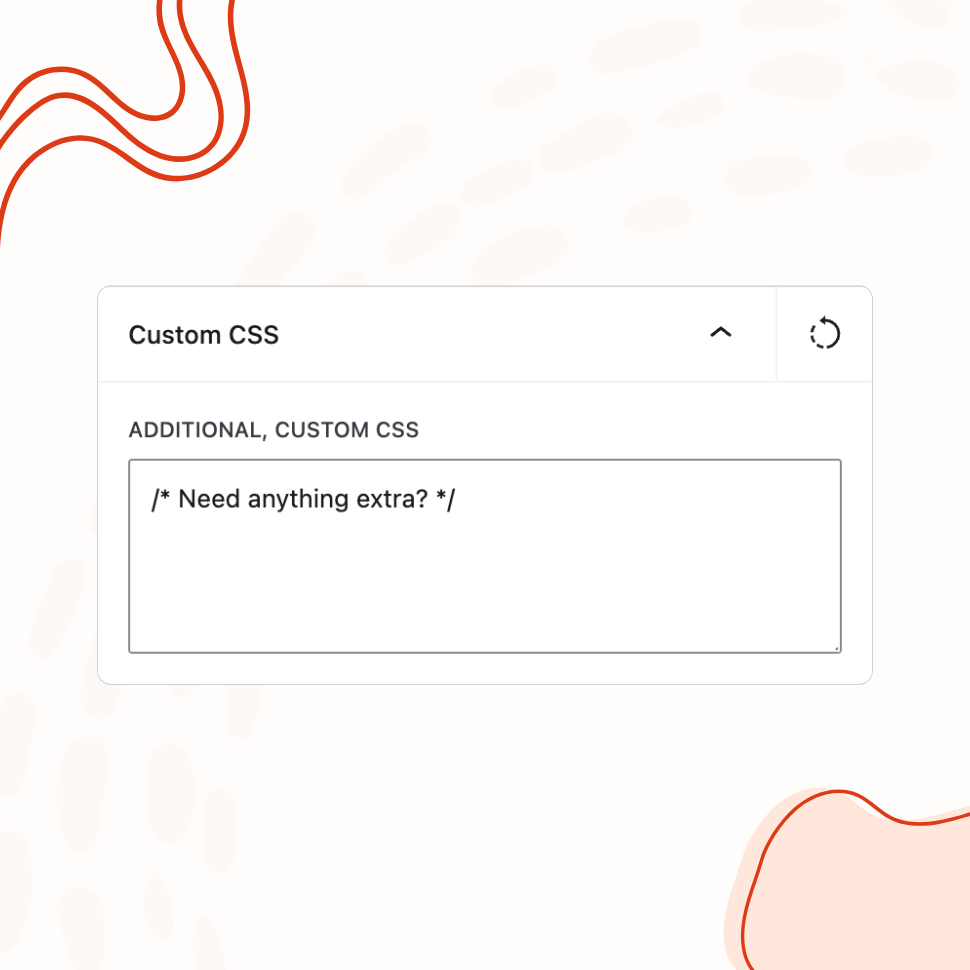
- Built-in custom CSS editor for advanced adjustments
Design Tab
All Visual Controls Organized in One Place
Background, logo, form container, labels, input fields, buttons, notices, links, social icons, footer — every element has its own settings panel.
Functionality Tab
Fine-Tune Login Page Behavior
Disable autofocus, the login error shake animation, and browser autocomplete — all from a dedicated settings tab.
Custom CSS
Add Your Own CSS for Advanced Customization
A built-in CSS editor lets you add custom styles on top of the visual controls for anything that requires extra precision.
Multisite Support
Works with WordPress Multisite Networks
Activate the plugin network-wide and apply consistent branding across all sites from a single, central location.
- Activate network-wide to apply consistent styles to all login pages, or
- Activate per-site to apply unique styles for each site
How Live Preview Simplifies Login Page Customization
Customizing a WordPress login page traditionally involves a frustrating cycle: change a setting, save, open the login page in another tab, check the result, go back, adjust, save again, check again. CSS-based approaches are worse — you’re writing code blind, refreshing to see if it worked, and debugging when it didn’t.
WP Custom Login replaces that entire workflow with a settings page that shows a live preview of your login page as you make changes. Every adjustment — a color change, a font swap, a spacing tweak — appears immediately in the preview panel without saving or refreshing. The settings page and the preview exist side by side, so the feedback loop between making a decision and seeing its effect is instant.
This isn’t a simplified mockup or an approximation. The preview renders your actual login page with your current WordPress theme’s login template, so what you see in the preview is what your users will see when they log in.
Eliminate Trial and Error
The live preview changes the nature of the design process from guessing to deciding. Without it, choosing a button color means picking a hex value, saving, checking, and hoping it looks right against the background you chose earlier. With it, you move a color picker and see the button update in context — against the actual background, next to the actual form, with the actual labels and inputs surrounding it.
This matters most when multiple settings interact. A form container background color that looks great in isolation might clash with the input field borders you set earlier. A button width that seemed reasonable doesn’t quite work with the label text in your language. Padding that looked fine on one element throws off the spacing of the element below it. These relationships are impossible to evaluate in a settings form alone — you need to see the full picture, and the live preview gives you that.
The result is fewer revisions. Instead of saving, checking, adjusting, and repeating three or four times per setting, you get it right on the first try because you can see exactly what you’re doing while you’re doing it.
See Every Change Instantly
The preview updates as you interact with the controls, not after you save. Drag a border radius slider and watch the form corners round in real time. Toggle label visibility off and see the labels disappear from the preview immediately. Switch from one layout mode to another and the entire page structure reorganizes before your eyes.
This applies to every configurable element: background color and images, logo source and alignment, form container dimensions, label and input styling across all three states, primary and secondary button design, notice colors, under-form link styling, social media icon placement, footer text, and the language switcher. The preview reflects all of it, live.
For PRO features, the preview is especially valuable. Evaluating a split-screen layout, a slider background with multiple slides, or an animated gradient is nearly impossible without seeing it rendered. The live preview lets you experiment with these options freely — try a form-left layout, switch to form-right, compare, decide — without committing to anything until you’re satisfied.
Seamless Migration from Previous Versions
WP Custom Login 3.0 is a complete rebuild of the plugin with a modern React-based settings page. If you’re upgrading from an earlier version, the plugin automatically migrates your existing settings to the new structure. Your current login page design is preserved — you won’t lose your customizations when you update.
The migration handles the mapping between the old settings format and the new field structure, including background settings, logo configuration, and custom CSS. After updating, you can open the new settings page and see your existing design in the live preview, then decide whether to keep it as-is or take advantage of the new controls to refine it further.
For new installations, the settings page opens with WordPress defaults, and every change you make from that point is visible in the preview. There’s no initial configuration required, no setup wizard to step through, and no dependencies to install. Activate the plugin, open the settings page, and start designing.
Features
Explore These Powerful Features Next
Discover the features offered by the WP Custom Login plugin for WordPress.
Pre-Designed Templates
Choose from 20+ ready-made login page designs and apply them with one click. Use any template as a starting point, then customize freely.
Custom Logo & Branding
Replace the WordPress logo with your own image or site icon. Add a branded footer and social media links to create a fully personalized login page.
Form & Input Styling
Customize labels, input fields, buttons, checkboxes, and error messages with granular controls — including separate styles for normal, hover, and focus states.
Advanced Backgrounds & Layouts
Use split-screen layouts, image and video sliders, animated gradients, and CSS filters to create a premium login page that goes beyond a simple background color.
Post-Login Redirects
Define redirect rules based on user roles or individual users, so administrators, editors, and subscribers each land on the most relevant page after login.
Custom Login URL
Replace wp-login.php with a custom login path. Block or redirect direct access to the default URL, with built-in validation to prevent lockouts.
Easy Setup with Live Preview
Configure every aspect of your login page from a visual settings panel with an instant live preview. No CSS knowledge or page refreshing required.