
Features / Custom Logo & Branding
Replace the WordPress Logo with Your Brand Identity
Add your custom logo or site icon, configure its link and alignment, and create a fully branded login experience.
- Use a custom image or your site icon as the logo
- Add a branded footer with custom text, font, and color
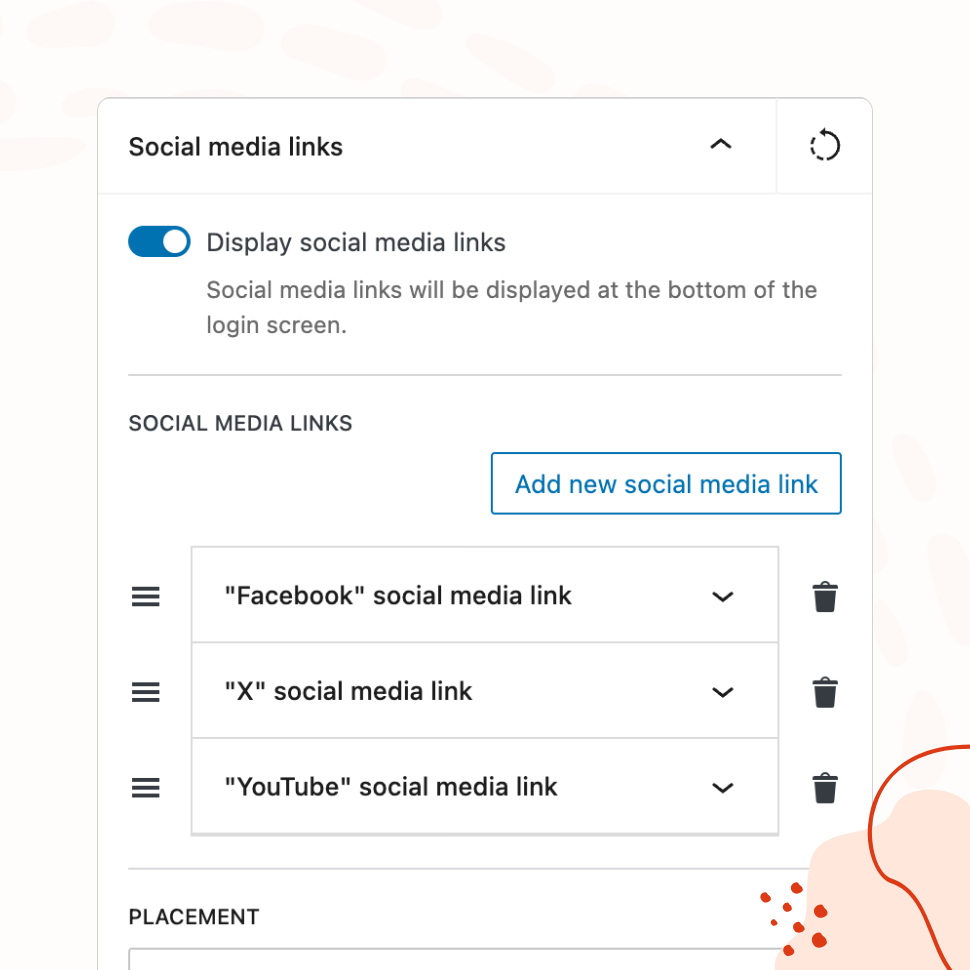
- Display social media icon links on the login page
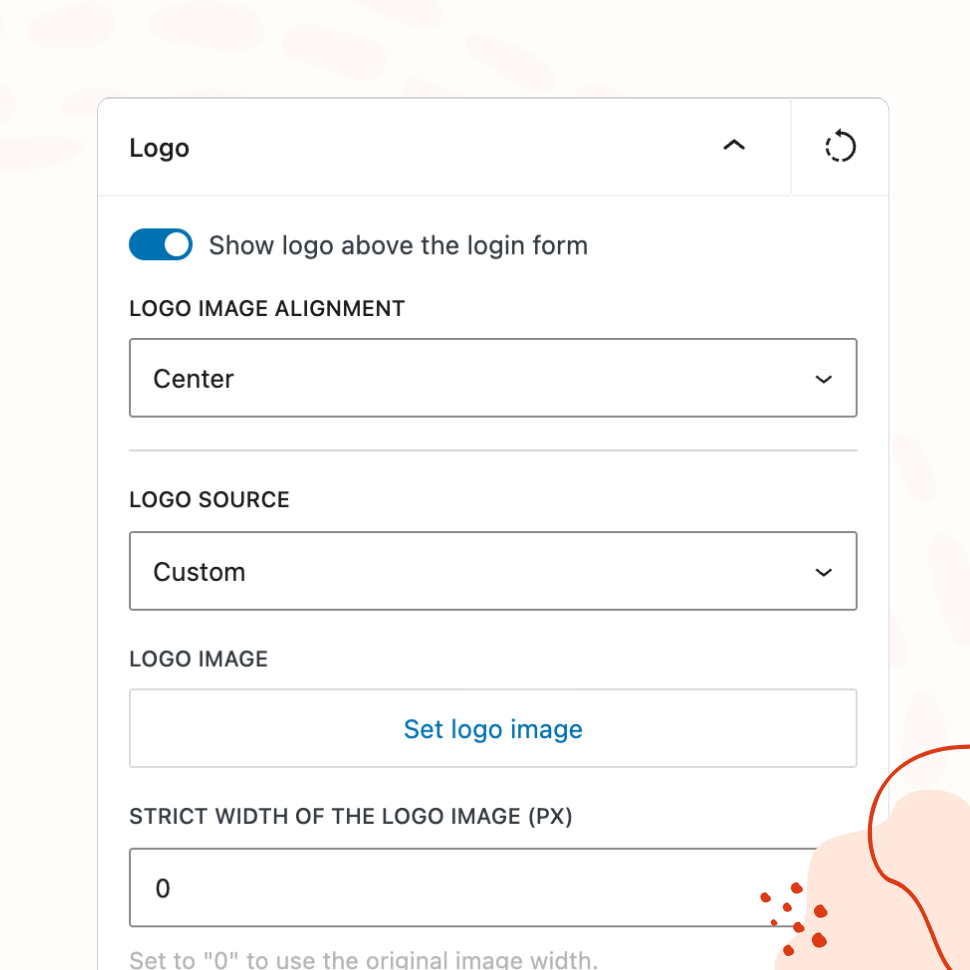
Logo Customization
Full Control Over Your Login Page Logo
Use a custom image or your site icon as the login logo. Configure its link URL and alignment to match your design.
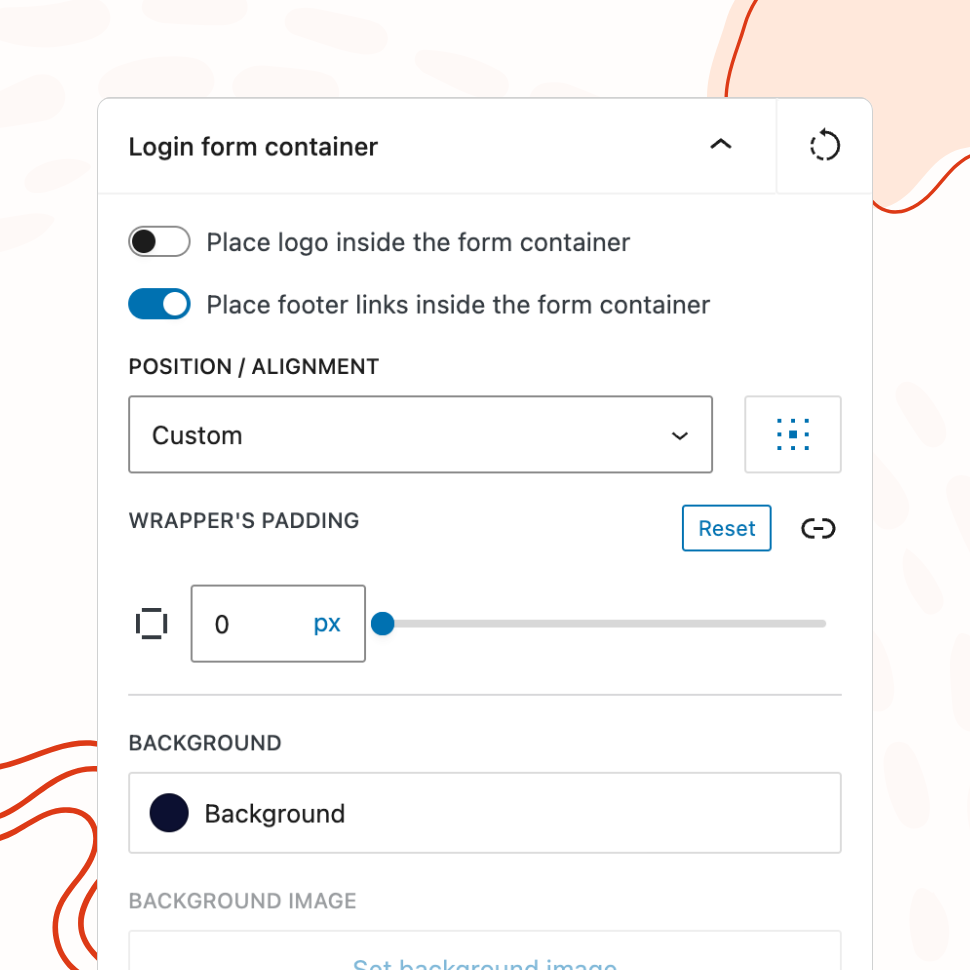
Form Container Styling
Design the Form Container to Match Your Brand
Customize the background color, border radius, padding, box shadow, and alignment of the login form container.
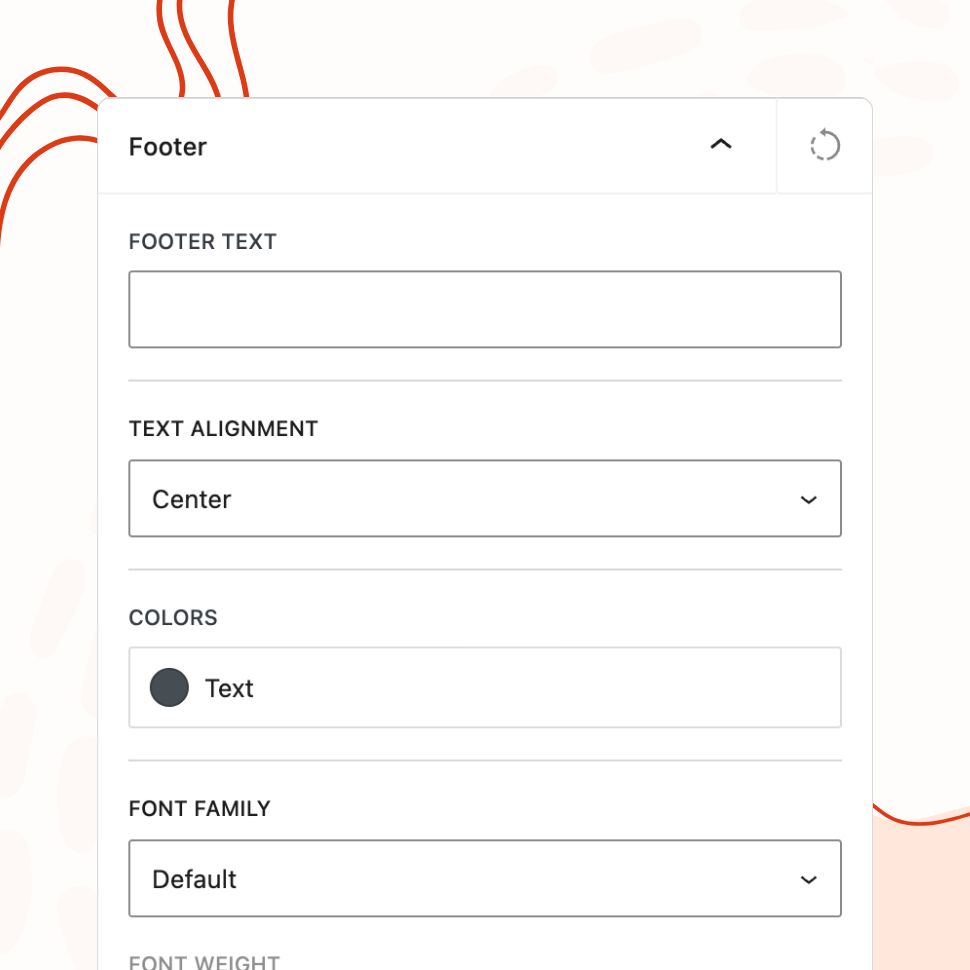
Custom Footer
Add a Branded Footer to Your Login Page
Include custom footer text with configurable font, color, and alignment — perfect for copyright notices, taglines, or legal links.
Social Media Links
Display Social Media Icons on Your Login Page
Link social media platforms with configurable icon placement — before the form, after the form, or in the footer.
The Importance of Branded Login Experiences
The login page is often the first screen a user sees when interacting with your WordPress site. For membership sites, client portals, intranets, and online stores, it’s the front door — and the default WordPress login page communicates nothing about who you are or what users are logging into.
A branded login page replaces that generic experience with something intentional. Your logo, your colors, your design language. It may seem like a small detail, but it shapes how users perceive the site before they’ve even entered their credentials. A polished login screen signals that the site behind it is professional and well-maintained. A default one suggests the opposite.
This matters most when the people logging in aren’t you. Clients accessing a project portal, employees using an internal tool, customers managing their accounts, students logging into a course — they all form an impression in that first moment. Branding the login page ensures that impression works in your favor.
First Impressions for Clients and Users
Consider a freelancer who builds a WordPress site for a local business. The site itself is beautifully designed, the content is polished, and the client is happy — until they log in to update a blog post and see the WordPress logo staring back at them. The illusion of a fully custom product breaks instantly.
The same applies to end users. A WooCommerce customer logging in to check an order, a membership subscriber accessing gated content, or an employee opening a company intranet — they all expect the login screen to look like it belongs to the site they’re visiting. The default WordPress login page creates a disconnect between the branded frontend and the generic backend entry point.
Replacing the WordPress logo with your own, matching the login page colors to your brand palette, and adding a footer or social links turns a forgettable screen into a cohesive touchpoint. It’s a small change with an outsized effect on perceived quality.
Consistency Across Multisite Networks
WordPress multisite networks introduce a specific challenge: every site in the network shares the same login infrastructure, but each site may represent a different brand, department, or client. Without customization, they all show the same default login page — which is confusing for users who expect visual cues confirming they’re in the right place.
WP Custom Login works with multisite networks and can be activated network-wide. Each site in the network can have its own login page customization — its own logo, colors, background, and footer — while the plugin is managed from a single installation. This means a university network can show the engineering department’s branding on one site and the business school’s branding on another, all without maintaining separate plugins or configurations.
For organizations that want uniform branding across all network sites, the same capability works in reverse. Apply the same logo, color scheme, and footer across every site to reinforce a consistent identity at every login point in the network.
Professional White-Labeling for Agencies
For agencies, the login page is part of the deliverable. Handing over a WordPress site with the default login screen is like delivering a custom-built house with the builder’s logo on the front door — it undermines the sense of ownership the client should feel.
White-labeling the login page is one of the fastest ways to make a client site feel truly theirs. Replace the WordPress logo with the client’s logo, match the login page to their brand colors, add their social media links in the footer, and the site feels complete from the very first screen. It’s a finishing touch that takes minutes but communicates attention to detail.
This also reduces support questions. Clients who see their own branding on the login page understand immediately where they are and what to do. Clients who see the WordPress logo sometimes wonder whether they’re on the right site at all — especially if they’re not technical users familiar with WordPress.
Combined with the plugin’s post-login redirect feature, agencies can create a seamless experience: a client logs in on a branded login page and lands directly on the page most relevant to them, whether that’s the dashboard, a specific admin screen, or a custom welcome page. The entire flow feels intentional and professional.
Features
Explore These Powerful Features Next
Discover the features offered by the WP Custom Login plugin for WordPress.
Pre-Designed Templates
Choose from 20+ ready-made login page designs and apply them with one click. Use any template as a starting point, then customize freely.
Custom Logo & Branding
Replace the WordPress logo with your own image or site icon. Add a branded footer and social media links to create a fully personalized login page.
Form & Input Styling
Customize labels, input fields, buttons, checkboxes, and error messages with granular controls — including separate styles for normal, hover, and focus states.
Advanced Backgrounds & Layouts
Use split-screen layouts, image and video sliders, animated gradients, and CSS filters to create a premium login page that goes beyond a simple background color.
Post-Login Redirects
Define redirect rules based on user roles or individual users, so administrators, editors, and subscribers each land on the most relevant page after login.
Custom Login URL
Replace wp-login.php with a custom login path. Block or redirect direct access to the default URL, with built-in validation to prevent lockouts.
Easy Setup with Live Preview
Configure every aspect of your login page from a visual settings panel with an instant live preview. No CSS knowledge or page refreshing required.