
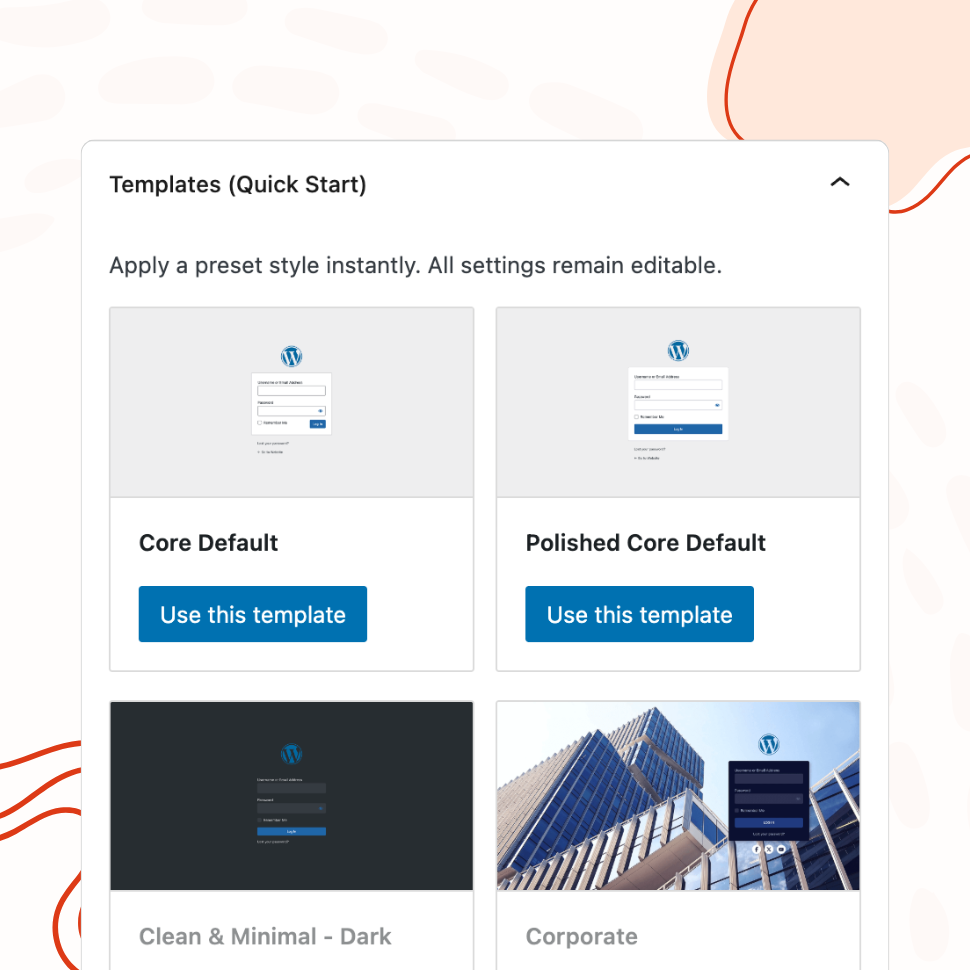
Pre-Designed Templates
Apply a Professional Login Design in One Click
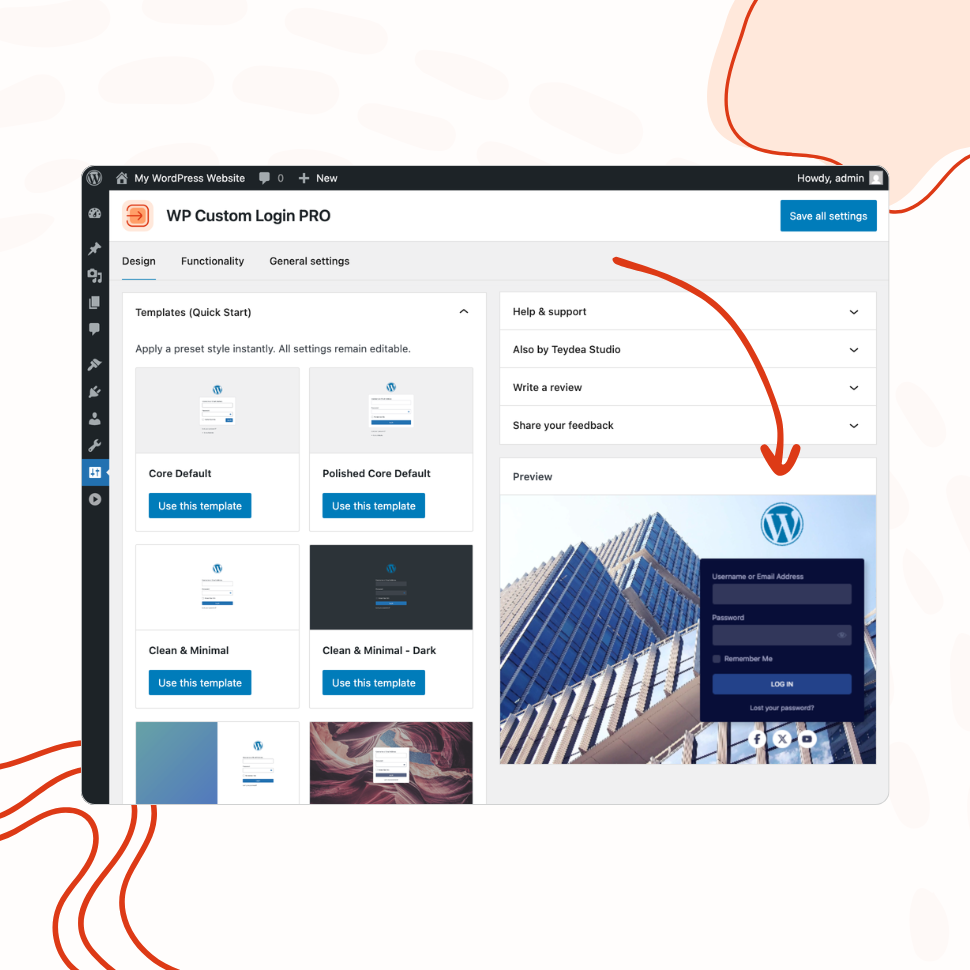
Choose from 20+ ready-made templates and customize them to match your brand — from clean and minimal to bold and corporate.
- 21 templates: minimal, corporate, split-screen, and more
- Background images auto-uploaded to your media library
- Use any template as a starting point, then customize freely
Custom Logo & Branding
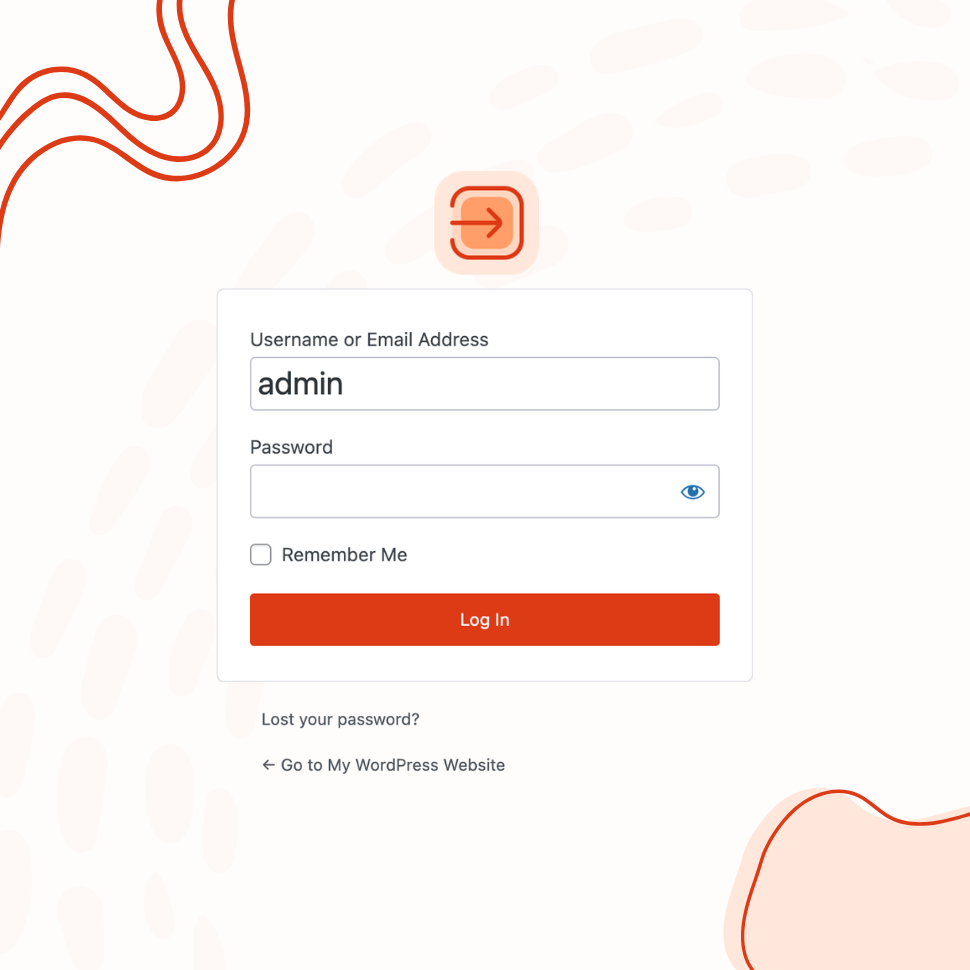
Replace the WordPress Logo with Your Brand Identity
Add your custom logo or site icon, configure its link and alignment, and create a fully branded login experience.
- Use a custom image or your site icon as the logo
- Add a branded footer with custom text, font, and color
- Display social media icon links on the login page
Form & Input Styling
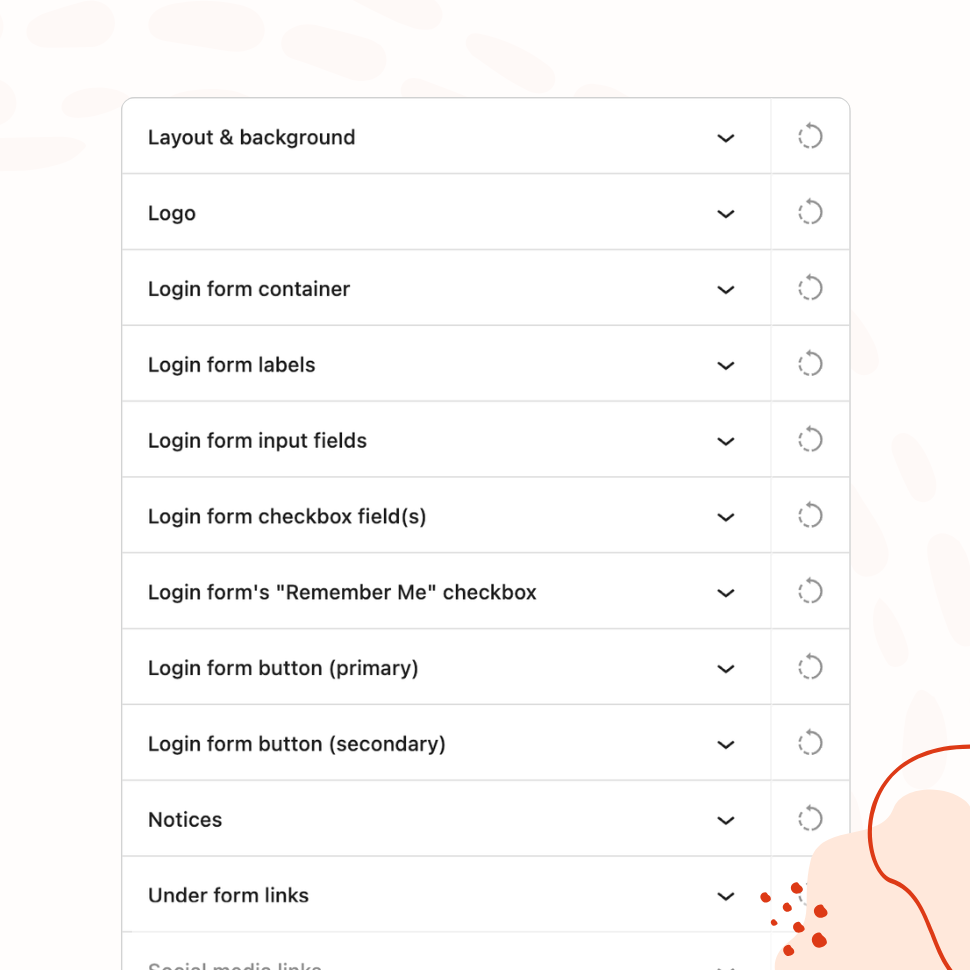
Fine-Tune Every Element of the Login Form
Customize labels, input fields, buttons, checkboxes, error messages, and links with granular visual controls — including hover and focus states.
- Separate controls for normal, hover, and focus states
- Per-language text for labels, placeholders, and buttons
- Independent styling for error, notice, and success messages
Advanced Backgrounds & Layouts
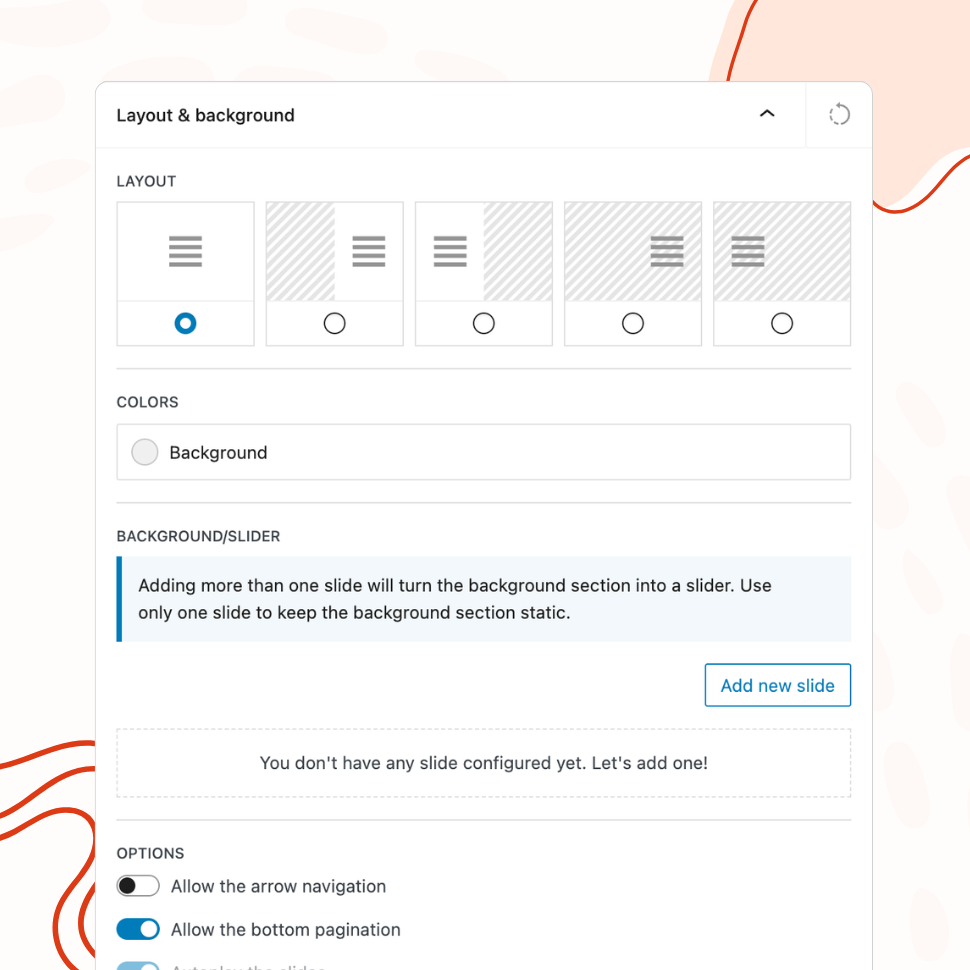
Create Stunning Split-Screen and Slider Backgrounds
Go beyond a simple background color. Use multi-column layouts, image and video sliders, animated gradients, and CSS filters to create a premium login page.
- 5 layout modes, including split-screen
- Combine image, video, gradient, and animated slides
- CSS image filters: blur, contrast, grayscale, and more
Post-Login Redirects
Send Users to the Right Page After Login
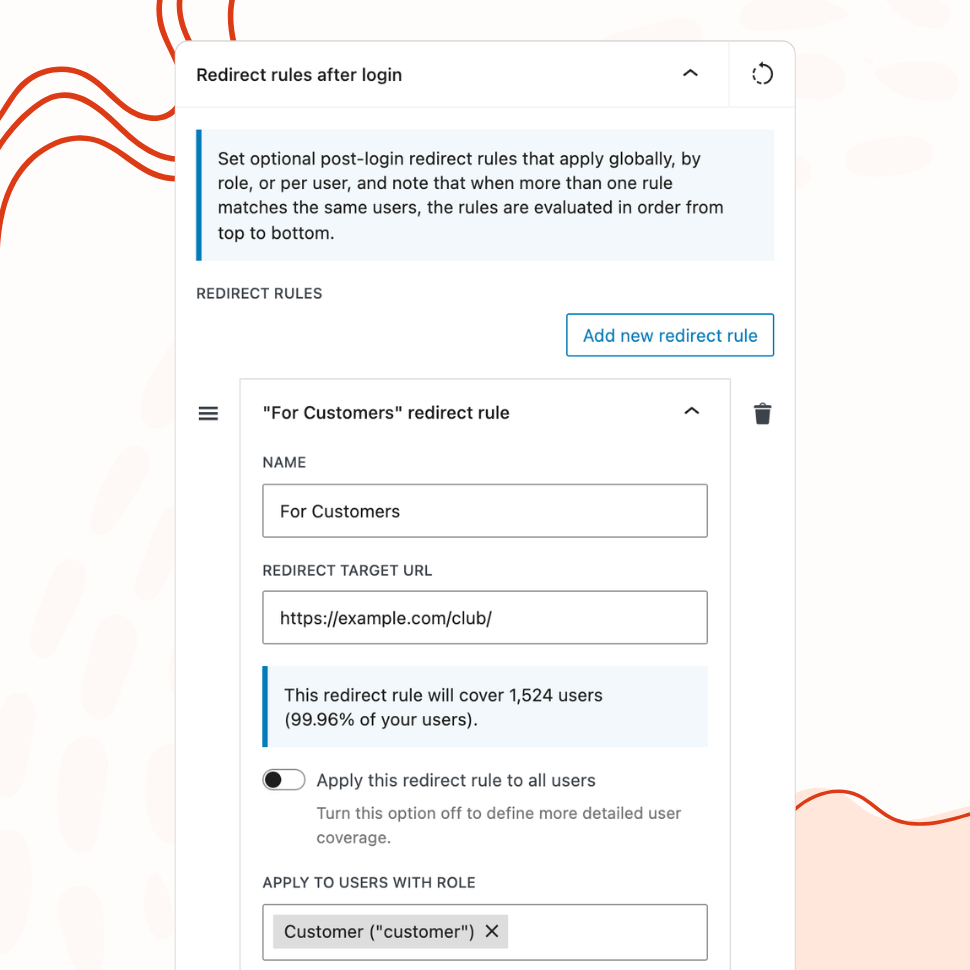
Define redirect rules by user role or individual user, so administrators, editors, and subscribers each land exactly where they should.
- Create multiple rules arranged by priority — first match wins
- Target all users, specific roles, or individual usernames
- Live coverage calculator shows affected user count and percentage
Custom Login URL
Replace /wp-login.php with Your Own Login Path
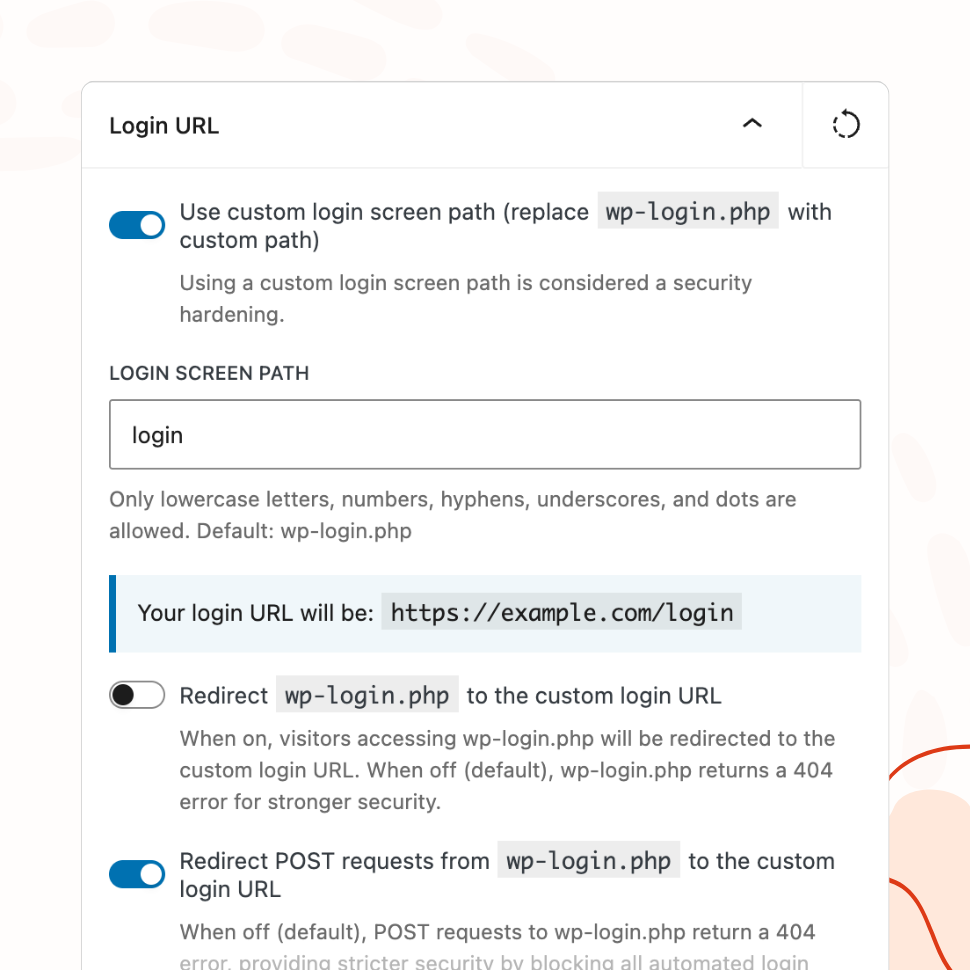
Hide the default WordPress login URL and replace it with a custom path. Block or redirect direct access to default login URL for added security.
- Choose between a 404 response or redirect for direct
/wp-login.phpaccess - Automatic validation against reserved slugs to prevent lockouts
- Configurable handling for POST requests to the old path
Easy Setup with Live Preview
See Your Changes in Real Time Before Going Live
Configure every aspect of your login page from a visual settings panel with an instant live preview — no guesswork, no page refreshing.
- Organized panels for every element: logo, form, buttons, links, footer
- Disable autofocus, error shake, and browser autocomplete
- Built-in custom CSS editor for advanced adjustments